In short: GOV.UK Be Ready and the NCSC's Cyber Aware advice comes down to a few steps: use a passkey where offered, otherwise a strong, separate password for each account (especially email) with 2-step verification; turn on automatic updates and replace devices that no longer get them; back up photos and files and practise restoring them. If you think you've been a victim of fraud or cyber crime, report it to Report Fraud on 0300 123 2040 (England, Wales and Northern Ireland) or to Police Scotland on 101.
Key facts
- Be Ready advises using a passkey where one is offered, and otherwise strong, unique passwords with 2-step verification, and considering a password manager. Source
- Be Ready advises installing the latest updates on every device, including smart devices, turning on automatic updates and considering replacing devices the maker no longer supports. Source
- Be Ready advises backing up important data such as photos and files, protecting backups like your accounts, and practising restoring from a backup. Source
- The NCSC's Cyber Aware tips include a strong and separate password for your email, the latest software and app updates, 2-step verification, password managers, backing up your data and three random words. Source
- The NCSC says to report fraud or cyber crime in England, Wales and Northern Ireland to Report Fraud on 0300 123 2040, and in Scotland to Police Scotland on 101. Source
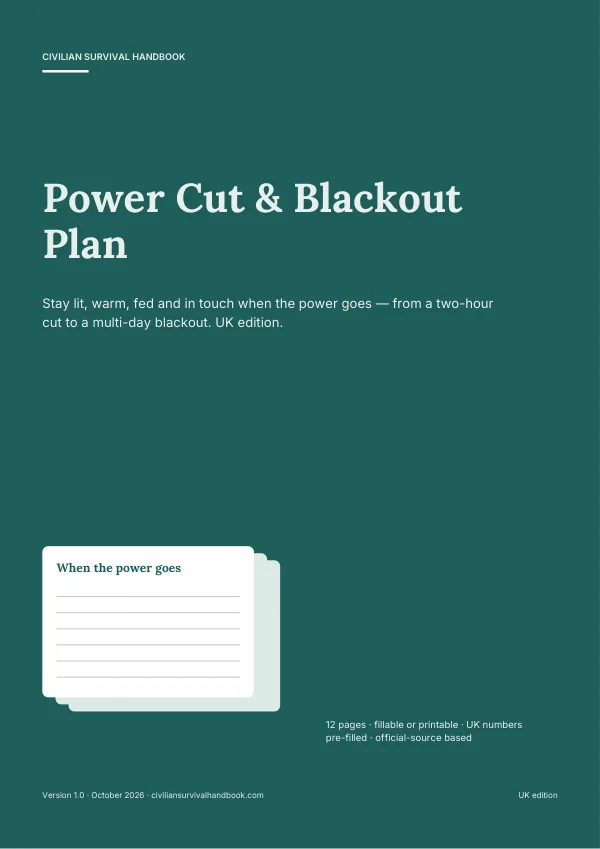 Want this written down for your home? Power Cut & Blackout Plan — printable, £4.99.
Being prepared now includes your email, your bank and your family photos. The good news is that the official advice is short. GOV.UK Be Ready and the National Cyber Security Centre's Cyber Aware campaign agree on a handful of steps. Do them once, for each person at home, and check them twice a year.
1. Protect your accounts
- Use a passkey where one is offered. Be Ready calls passkeys the more secure alternative to passwords.
- Email first. The NCSC says to give your email a strong password you don't use anywhere else, because email can be used to reset your other accounts.
- Three random words make a strong password that's easier to remember (NCSC).
- Turn on 2-step verification, starting with email and banking.
- Consider a password manager to create, store and fill in passwords. Be Ready notes it can also warn you about breaches.
2. Keep devices updated
- Install the latest updates on every device, including smart TVs, speakers and doorbells.
- Turn on automatic updates so security fixes arrive without you having to remember.
- Be Ready suggests considering replacing devices the maker no longer supports.
3. Back up what matters
- Know where your photos and files are kept: on the device or in the cloud.
- Back up important data, such as photos and documents, to an external drive or cloud storage.
- Protect the backup as carefully as your accounts.
- Practise restoring a file now and then, so you know how (Be Ready).
4. Spot and report scams
Before you act on a message, call or email, check it using a number or website you already trust, not one given in the message. Never give a code or password to someone who contacted you.
| What happened | Who to tell |
|---|---|
| A suspicious email | Forward it to the NCSC's reporting service (address on ncsc.gov.uk), then delete it |
| Lost money or think you've been defrauded (England, Wales, NI) | Your bank straight away, then Report Fraud on 0300 123 2040 |
| Lost money or think you've been defrauded (Scotland) | Your bank straight away, then Police Scotland on 101 |
| Want advice | Citizens Advice (Be Ready lists 0808 223 1133) |
5. Plan for when things are offline
Some outages have nothing to do with you: the internet, a bank app or a card machine can stop for a while. Be Ready suggests keeping a little cash at home, a paper list of key numbers and a battery or wind-up radio. Our guides to broadband and phone outages and how much cash to keep at home cover those, and the digital landline switch explains what changes for home phones.
Never write passwords in a paper plan. A plan can list which accounts exist and who to contact; the passwords belong in a password manager.
Turn this guide into a written plan
Reading helps. Writing it down is what makes it work when the phones are flat. Start with the free plan builder, or get the full printable version:
For this topicPower Cut & Blackout Plan£4.99 Your whole household planHousehold Emergency Plan Pack£6.99
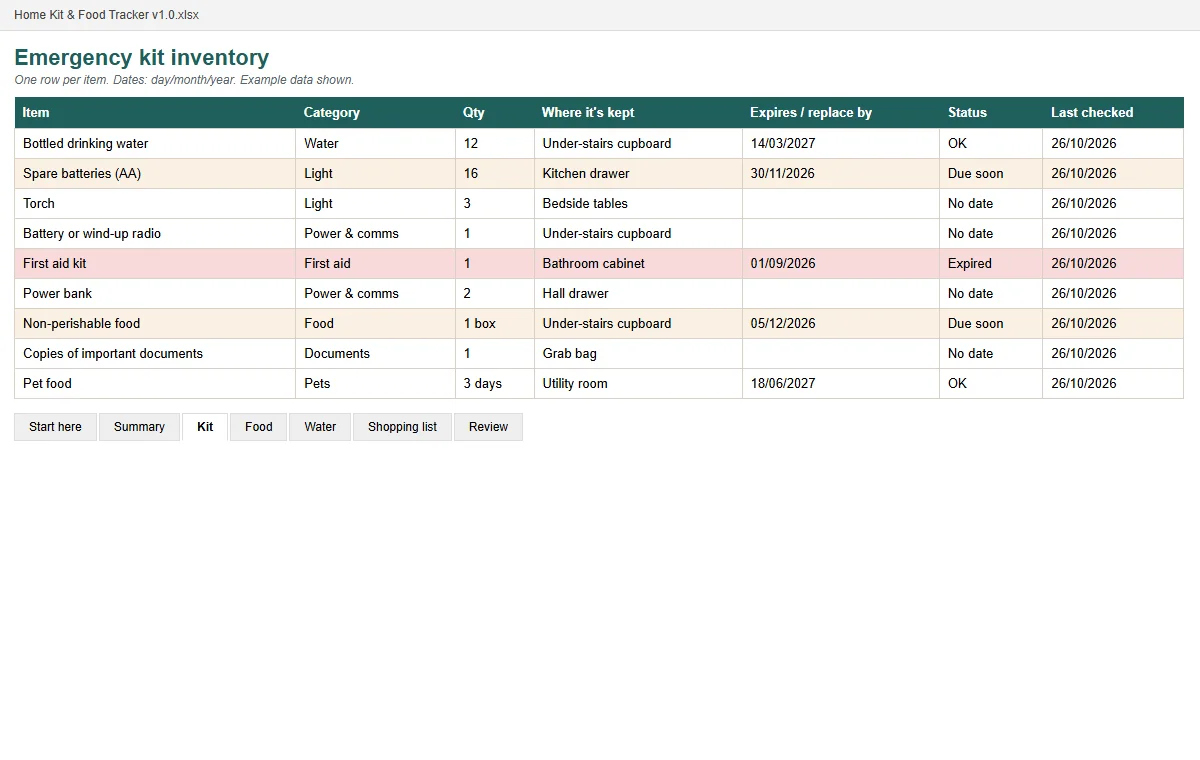 Bundle · £15.97 separatelyPrepared, Not Panicked bundle£9.99
Real pages shown before you buy · instant PDF · one-off price · 30-day refund.
The Power Cut Card for your fridge
Who to call, what to switch off, how long the fridge and freezer stay cold, and how to keep warm. One calm page from official UK advice. Enter your email and we'll take you straight to the download.
We'll also email you when we publish new guides — occasional, never daily. Unsubscribe any time. See our privacy notice.
Frequently asked questions
What is the single most important account to protect?
Your email. The NCSC says to give it a strong and separate password, because someone with access to your email can often reset your other accounts.
What is 2-step verification?
A second check, such as a code on your phone, when you log in. The NCSC and Be Ready both recommend turning it on, starting with email and banking.
What is a passkey?
A way to sign in using your phone or computer's fingerprint, face or PIN instead of a password. Be Ready calls it the more secure alternative to passwords and suggests using one wherever it's offered.
Where do I report a scam email?
The NCSC asks you to forward suspicious emails to its reporting service (the address is on ncsc.gov.uk) and not to click links in them. If you've lost money, contact your bank straight away and report it to Report Fraud on 0300 123 2040, or Police Scotland on 101.
Should I write my passwords in my household emergency plan?
No. Keep passwords in a password manager. A paper plan can say which accounts exist and who to contact, but never the passwords.
Sources
- GOV.UK Be Ready: Cyber incidents (checked 31 Oct 2026)
- NCSC: Cyber Aware (checked 31 Oct 2026)
- NCSC: Report a scam email (checked 31 Oct 2026)
- GOV.UK Be Ready: Phone and broadband outages (checked 31 Oct 2026)