In short: An ICE (In Case of Emergency) card is a small card in your wallet or bag with who to contact and any medical details a helper should know, in case you can't speak for yourself. Print our free wallet cards (no sign-up), and set up your phone's lock-screen emergency information too.
Key facts
- Apple says you can set up a Medical ID in the Health app and turn on Show When Locked so it can be seen from the Lock Screen by people who want to help in an emergency. Source
- Google says Android users can add medical information and emergency contacts in the Safety app, and choose to show them when the phone is locked. Source
- Google warns that anyone who picks up your phone can see your lock-screen emergency information, even if the phone is locked. Source
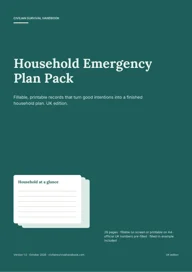 Want this written down for your home? Household Emergency Plan Pack — printable, £6.99.
An ICE card (In Case of Emergency) is a small card that tells a helper who to call and anything important about your health, if you can't tell them yourself. It takes five minutes to fill in, and it works when your phone is flat. It sits with our household plan guides.
Get the free card
Our free household emergency card includes cut-out wallet cards you can use as ICE cards, plus a fridge card and a contacts sheet with the main UK numbers filled in. Free, no sign-up, print on A4.
What to write on it
- Your name
- One or two emergency contacts, with their numbers (and how they're related to you)
- Only the medical details a helper would need: a serious allergy, a condition such as diabetes or epilepsy, or a medicine you carry
- Your GP surgery's name, if there's room
- The date you last checked it
Keep it short. Put one in your wallet or purse, one in your bag or coat, and give a copy to anyone you care for. Check it when you do your six-monthly kit check.
Set up your phone's emergency info too
A paper card and the phone's own emergency screen work well together.
iPhone. Apple says to open the Health app, tap your profile picture, then Medical ID, and turn on Show When Locked so people who want to help can see it from the Lock Screen (Apple Support). From a locked iPhone, a helper taps Emergency on the passcode screen, then Medical ID.
Android. Google says to open the Safety app, tap Your info, then add Medical information and Emergency contacts. Under Emergency info access, choose Show when locked (Android Help). Steps can differ by phone maker.
Google points out that anyone who picks up your phone can see lock-screen emergency information, so only include what you're comfortable sharing.
For an older parent or relative
An ICE card is one of the simplest things to set up for someone you care for. Fill it in together, put a copy by the phone and one in their bag, and keep a photo of it on your own phone. Our guide to emergency planning for older people and carers covers medicines lists and check-in rotas.
Limitations
This page explains a household idea and the phone makers' own instructions. It isn't medical advice. In an emergency call 999 (or 112 from a mobile).
Turn this guide into a written plan
Reading helps. Writing it down is what makes it work when the phones are flat. Start with the free plan builder, or get the full printable version:
Your whole household planHousehold Emergency Plan Pack£6.99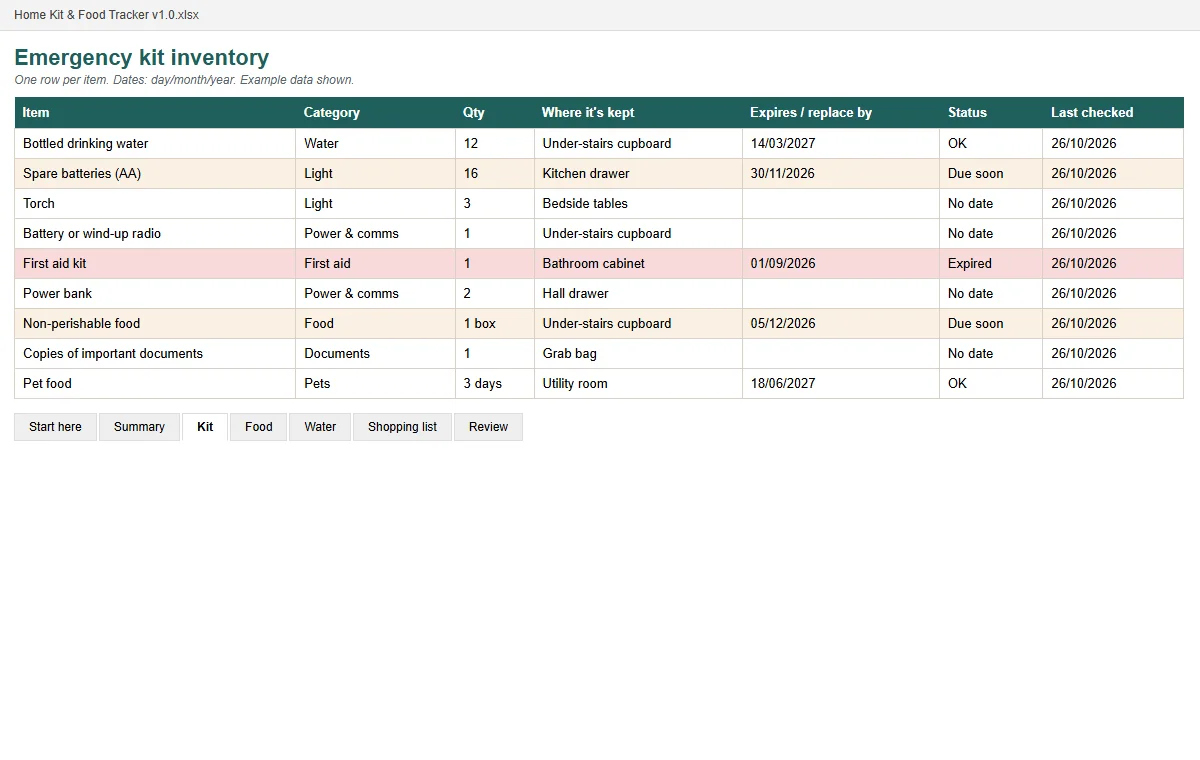 Bundle · £15.97 separatelyPrepared, Not Panicked bundle£9.99
Real pages shown before you buy · instant PDF · one-off price · 30-day refund.
Get the free 72-hour UK household checklist
Tick-box lists for each part of a UK home emergency kit, plus the key numbers on one page. Enter your email and we'll take you straight to the download.
That email address doesn't look right — please check it and try again.
We'll also email you when we publish new guides — occasional, never daily. Unsubscribe any time. See our privacy notice.
Frequently asked questions
What should go on an ICE card?
Your name, one or two emergency contacts with their numbers, and only the medical details a helper would need, such as a serious allergy, a condition like diabetes or epilepsy, or that you carry a medicine. Keep it short and up to date.
Is a phone's emergency info enough?
It helps, but a paper card still works when the phone is flat, broken or not with you. Google also points out that lock-screen emergency information can be seen by anyone who picks up the phone, so only include what you're happy to share.
Is the card free?
Yes. Our free household emergency card PDF includes cut-out wallet cards, a fridge card and a contacts sheet. No sign-up.
Sources
- Apple Support: Set up your Medical ID in the Health app on your iPhone (checked 30 Oct 2026)
- Android Help: Get help during an emergency with your Android phone (checked 30 Oct 2026)